Download the 9xbet APK and play from your phone
The official 9xbet app for Android puts slots, live casino tables and cricket betting in your pocket. It is free to download, takes under a minute to install and runs on any Android phone from version 7.0 onwards. No browser needed.
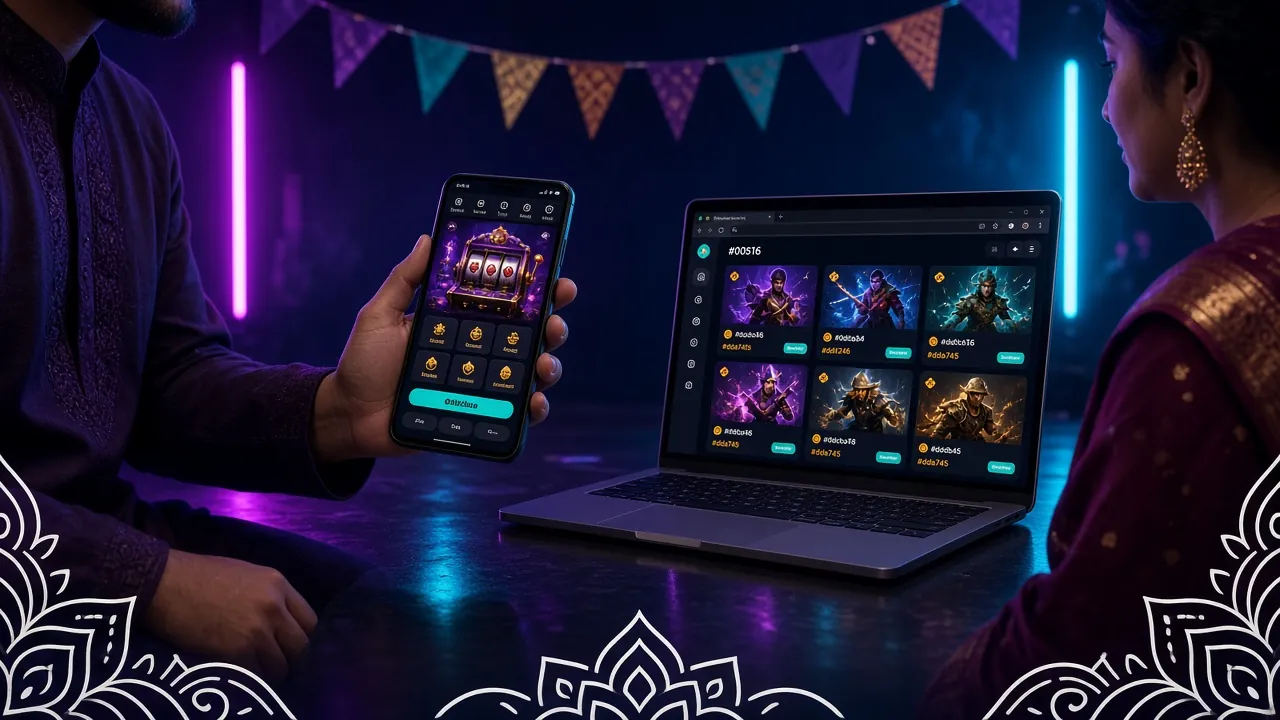
Get the file and check what's inside
Everything you need before you tap that download button: file details, the iOS workaround and a quick look at what the app looks like once it is running.


- Pages load faster than a browser — no tab switching, no reload on loss of focus.
- Push notifications for deposit confirmations, bonus credits and live match alerts.
- Quick login with fingerprint or face unlock (device-dependent).
- bKash and Nagad deposits directly inside the app — no copy-paste to your bank app.
The 9xbet APK file is for Android only. iPhone and iPad users can get a near-app experience by adding the site as a Progressive Web App (PWA):
Install the 9xbet APK on your Android phone
Android blocks apps from outside the Play Store by default. You need to allow "unknown sources" once — it only takes a few taps — then the installation runs automatically. Requires Android 7.0 or later.
-
1
Allow unknown sources on your phone
Go to Settings → Security (some phones call it Privacy or Special app access). Find Install unknown apps, then select your browser or file manager and toggle Allow from this source to ON. You only need to do this once. If you are on Android 8 or above, the prompt appears automatically when you try to install.
-
2
Download the APK file
Tap the Download APK button on this page. Your browser will save
9-xbet.apk(28 MB) to your Downloads folder. On a decent mobile connection it takes under 30 seconds. Make sure you are downloading from 9-xbet.app only — do not use third-party APK mirror sites. -
3
Open the downloaded file and tap Install
Pull down your notification shade and tap the completed download, or open your Files app and find
9-xbet.apkin Downloads. Android will show an install screen. Tap Install. The process takes about 10 seconds. You can safely ignore the generic "this app was not built by Google" warning. -
4
-
5
Make your first deposit and start playing
Go to Deposit inside the app, choose bKash, Nagad, Rocket, Upay or Bank Transfer, and enter at least ৳300. Funds arrive in about 2 minutes. Your welcome bonus is credited automatically — check the Promotions tab for the current offer. You are ready to play.
APK vs browser: which one suits your setup
Both options give you the full 9xbet game library. The difference comes down to speed, battery life and how you like to play. Here is a straight comparison.
- Loads the lobby in under 2 seconds on a 4G connection
- Push notifications for deposits, bonuses and match results
- Fingerprint / face-ID login — no typing passwords
- Smoother live casino streams: app optimises video buffering
- bKash / Nagad payment flow stays inside the app
- Works well on low-RAM Android phones (1 GB RAM or above)
- Requires 28 MB storage space and a one-time install
- Works on iPhone, iPad and any Android — no install needed
- Always on the latest version: no manual updates
- Slower page transitions; browser tabs reload on memory pressure
- No push notifications — you have to check manually
- Password must be typed each session (unless browser auto-fills)
- Live video streams may stutter on a busy browser
- Good fallback if your phone has very little storage
Bottom line: If you are on Android and play more than a few times a week, the APK is worth the 28 MB. If you use an iPhone or only play occasionally, the browser version works fine.
Playing on a budget phone or slow connection
You do not need a flagship phone. The 9xbet app is built to run on entry-level Android devices and handles 2G / 3G connections reasonably well with the right settings.
- Close background apps before launching the casino to free up RAM
- Play slots instead of live video streams — slots use far less memory
- Turn off auto-rotate and reduce screen brightness to extend battery
- If the app freezes, force-stop it, clear the cache (Settings → Apps → 9xbet → Clear Cache) and reopen
- Slots and card games use very little data — a typical spin is under 50 KB
- Live casino streams are the heaviest: set video quality to Low inside the stream player
- Turn on Android Data Saver mode — the app respects the system-level flag
- Download the APK over Wi-Fi once; after that you only need mobile data for gameplay
- Enable Battery Saver in Android settings — the app still runs correctly
- Lower your screen refresh rate to 60 Hz if your phone allows higher rates
- Turn off Bluetooth and Location while playing if you do not need them
- The app shows an in-app update notice when a new version is out
- Download updates over Wi-Fi to avoid using your mobile data allowance
- Always update from this page (9-xbet.app/9-xbet-apk/) to get the genuine file
When the install does not go smoothly
Most install errors have a quick fix. The table below covers the five most common problems, what causes each one and exactly how to resolve it.
| Problem | Likely cause | Fix |
|---|---|---|
| Install blocked by Android | "Unknown sources" permission not granted for your browser or file manager | Go to Settings → Security → Install unknown apps, select your browser and enable it. Then re-tap the APK file. |
| "Parse error — problem parsing the package" | File did not download completely, or the downloaded file is corrupt | Delete the partial file. Clear your browser cache, then download the APK again on a stable Wi-Fi or 4G connection. |
| "Not enough storage" | Less than 56 MB free on internal storage (installation needs roughly 2× the APK size) | Free up space by deleting old photos or apps. Move media to an SD card if available. Then try installing again. |
| "App not installed — existing package conflict" | An older or unofficial version of the app is already installed | Uninstall the old version first (Settings → Apps → 9xbet → Uninstall). Your account data is stored server-side and will not be lost. Then install the new APK. |
| App crashes immediately after opening | Android version below 7.0, or corrupted install | Check your Android version in Settings → About Phone. If it is below 7.0, use the mobile browser instead. If the version is fine, uninstall, restart your phone and reinstall the APK. |
Still stuck? Contact 9xbet's 24/7 live chat support directly from the website and share a screenshot of the error message — the team can walk you through any device-specific issue.
What the app asks for and why
When you install the 9xbet APK, Android will list the permissions the app requests. Here is what each one does and whether you can turn it off without breaking the app.
- The only official source for the 9xbet APK is this page. Third-party APK sites may bundle modified files.
- Check the file name matches
9-xbet.apkand the size is exactly 28 MB before installing. - After installation you can turn the "unknown sources" permission back OFF in Settings for extra security.
Questions players ask about the 9xbet APK
Short, direct answers to the things players ask most before and after downloading the app.
-
Is the 9xbet APK safe to install on my phone?
Yes, as long as you download it from this page (9-xbet.app/9-xbet-apk/). The file is served over HTTPS with an SSL certificate. The app does not request any permissions that go beyond what is listed in the Permissions section above. After installing, you can turn the "unknown sources" setting back OFF in Android Settings to close that door for other apps.
-
Why is the 9xbet app not on the Google Play Store?
Google Play's policy restricts real-money gambling apps in most markets, so the APK is distributed directly from the official site. This is standard practice for online betting platforms serving Bangladesh. Downloading directly from 9-xbet.app gives you the genuine, up-to-date file without any intermediary. The process is the same as installing any trusted app outside the Play Store.
-
How do I update the 9xbet app when a new version comes out?
The app displays an in-app banner when an update is available. Tap the banner to open this download page, download the new APK and install it over the existing version — you do not need to uninstall first unless prompted. Your account balance, settings and transaction history are all stored on the server and will not be affected by the update.
-
What should I do if the APK install keeps failing?
Start with the troubleshooting table on this page. The most common fixes are: enable "unknown sources" for your browser, delete and re-download the APK on a stable connection (the most frequent cause is a corrupt partial download), and free up at least 60 MB of internal storage. If none of those work, contact 24/7 live chat with a screenshot of the error.
-
Can I use the same account on the app and the browser?
Yes. Your 9xbet account is tied to your username and password, not to any single device or app version. You can log in on the APK on your phone and then switch to the browser on another device without any issue. Balance, bonuses and bet history sync instantly. Just avoid being logged in on two devices at the same time, as the system may flag that as a security event.
-
Does the app work for cricket betting as well as slots?
Absolutely. The 9xbet app gives you full access to the sports betting section, including pre-match and live betting on cricket matches — BPL, IPL, T20, ODI internationals and more. You can follow live scores, place bets mid-over and cash out from the same screen. Slots, live casino, fishing games and crash games are all available too, in a single lobby. Visit the casino section for the full game list.
Ready to play anywhere?
Download the 9xbet APK now — it is free, takes under a minute and works on any Android 7.0+ phone. Already have an account? Just log in and pick up where you left off.
18+ · Play Responsibly · Android 7.0+ · 28 MB · Free